

Screenshots
19 images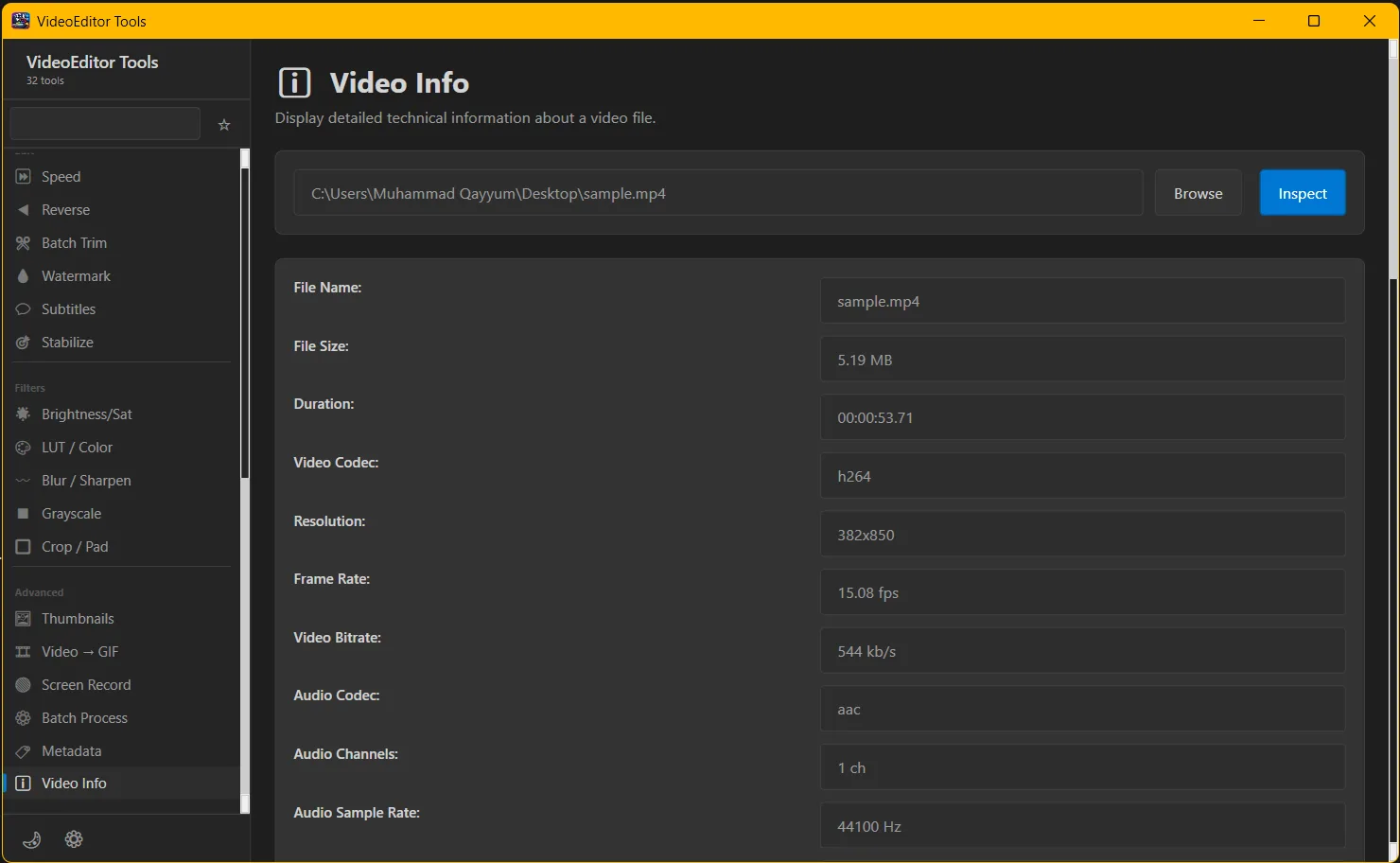
Description
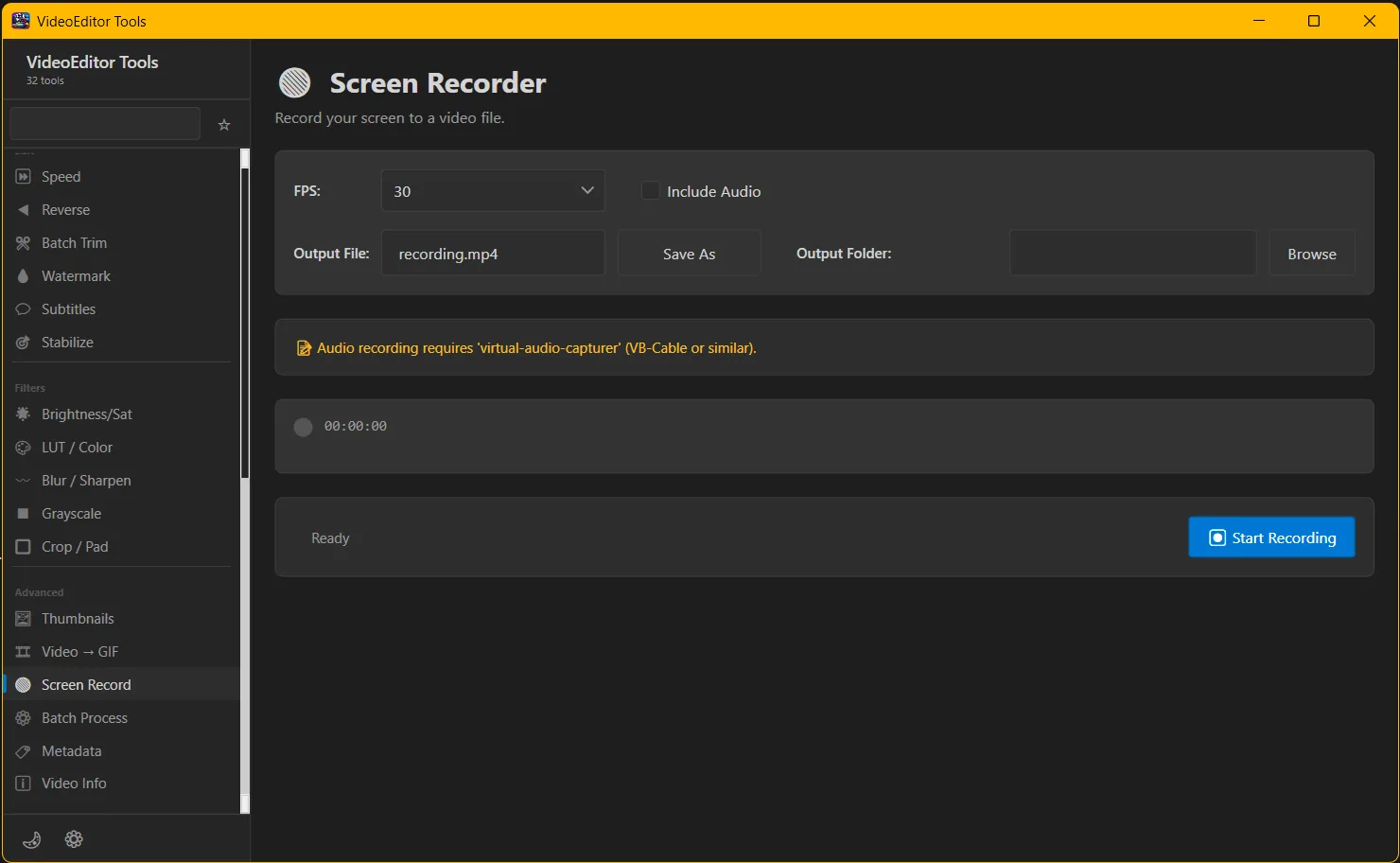
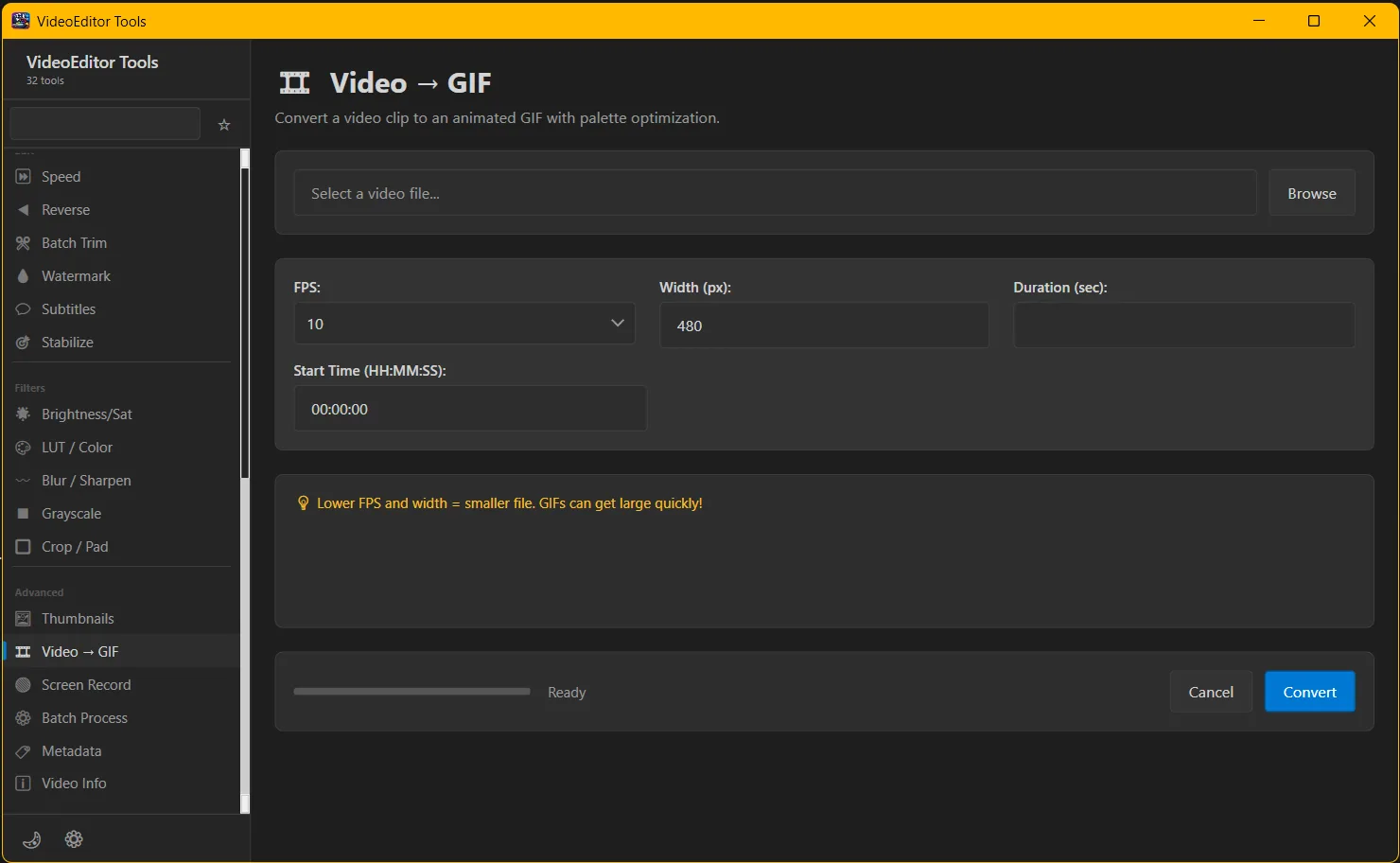
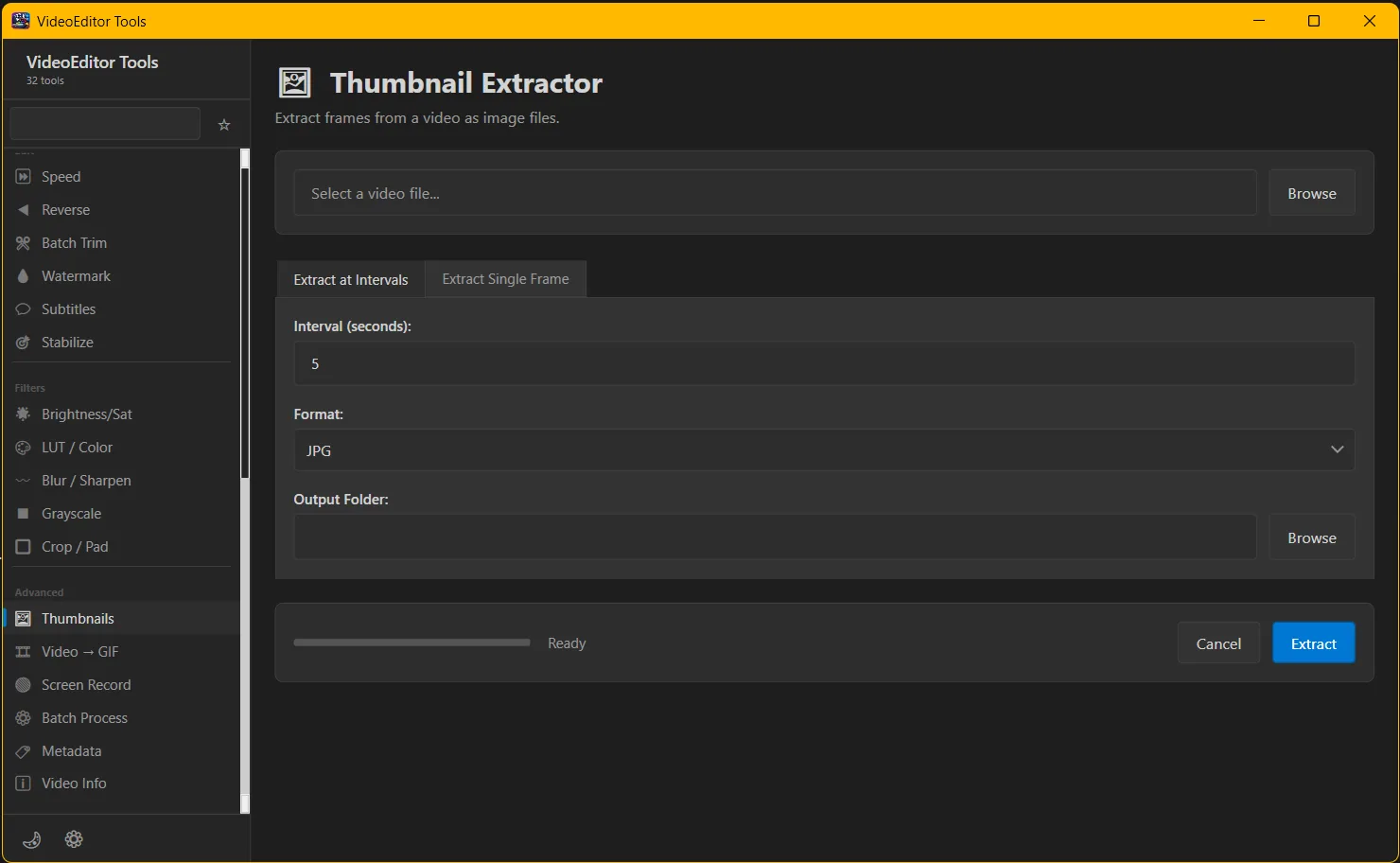
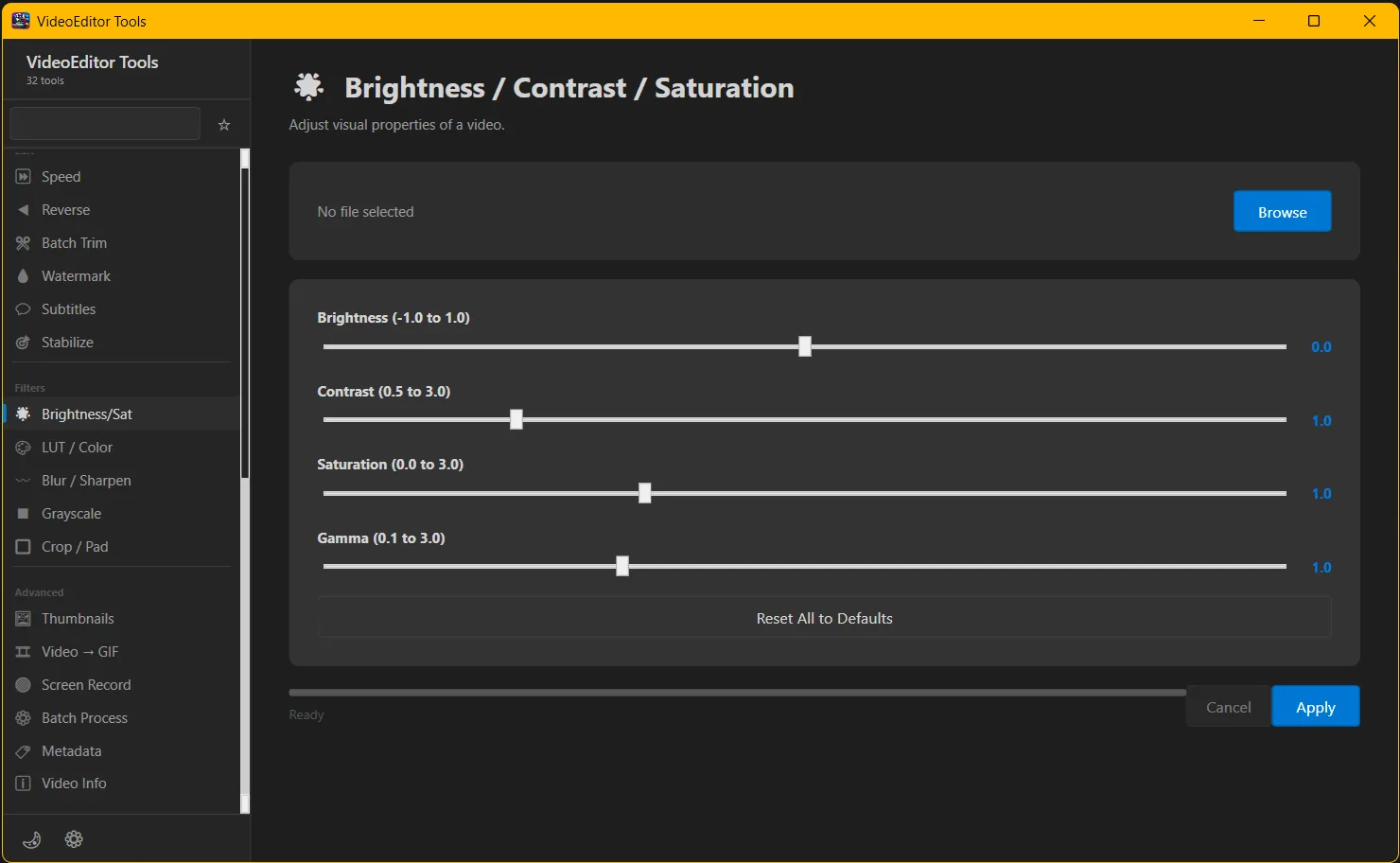
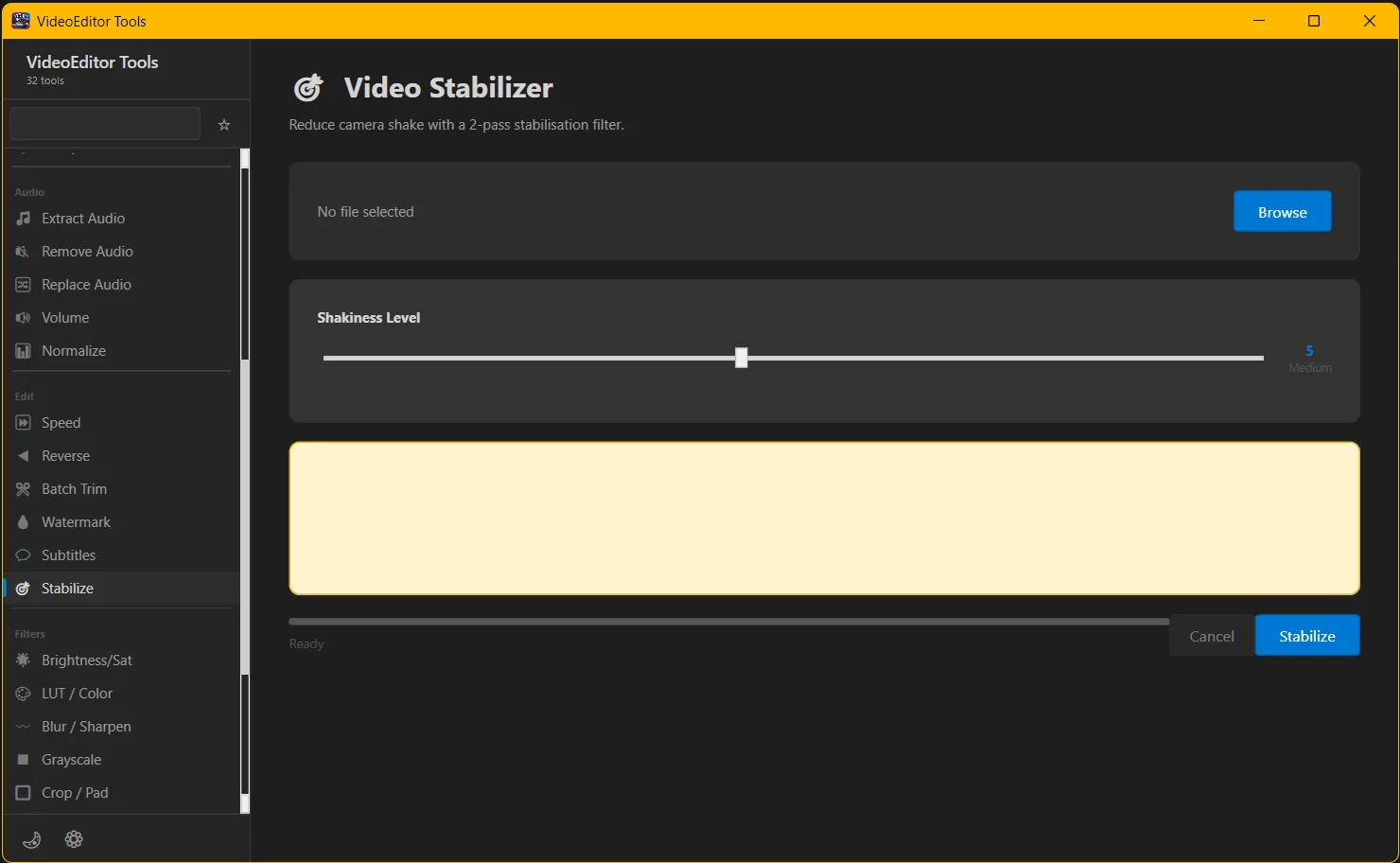
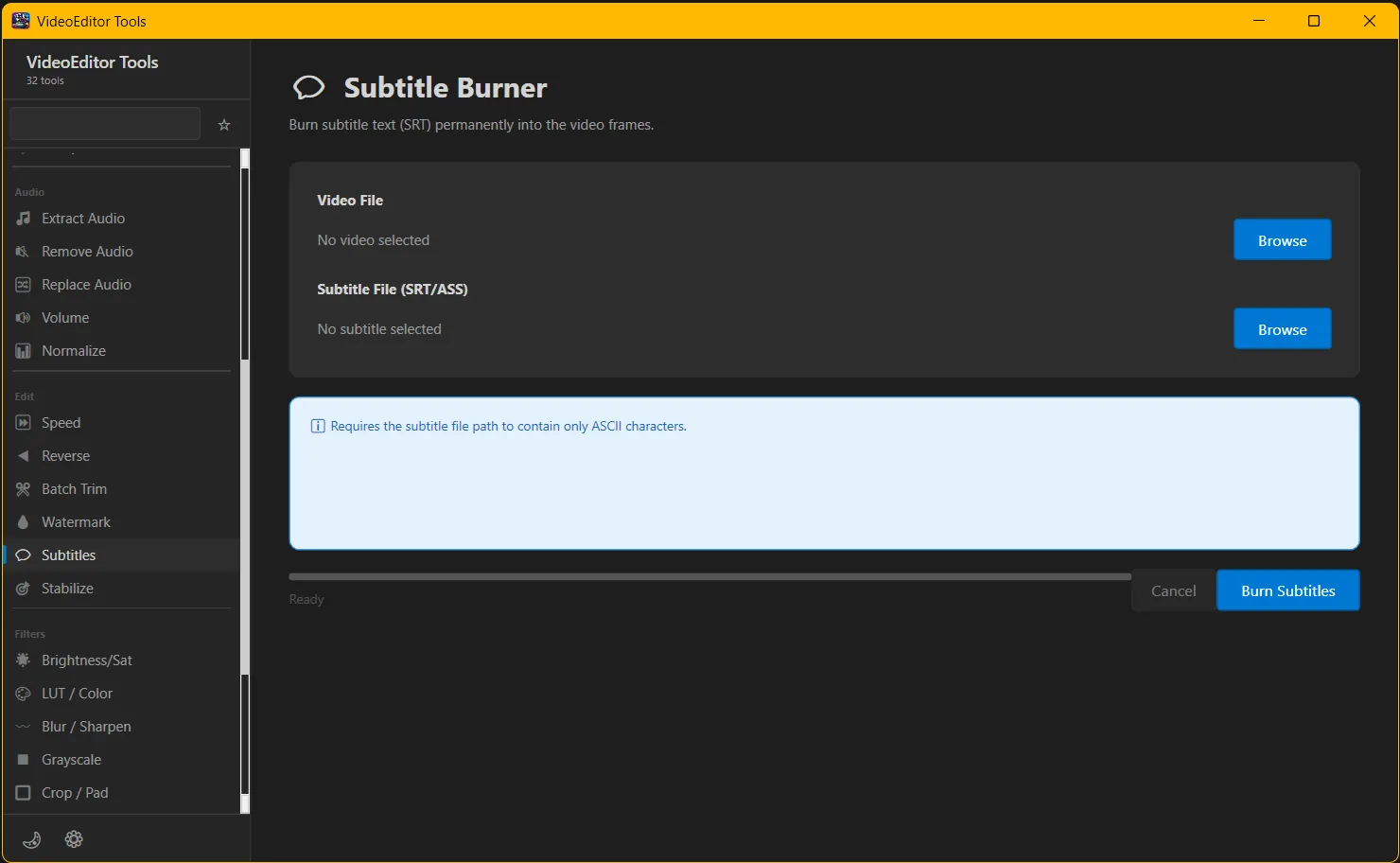
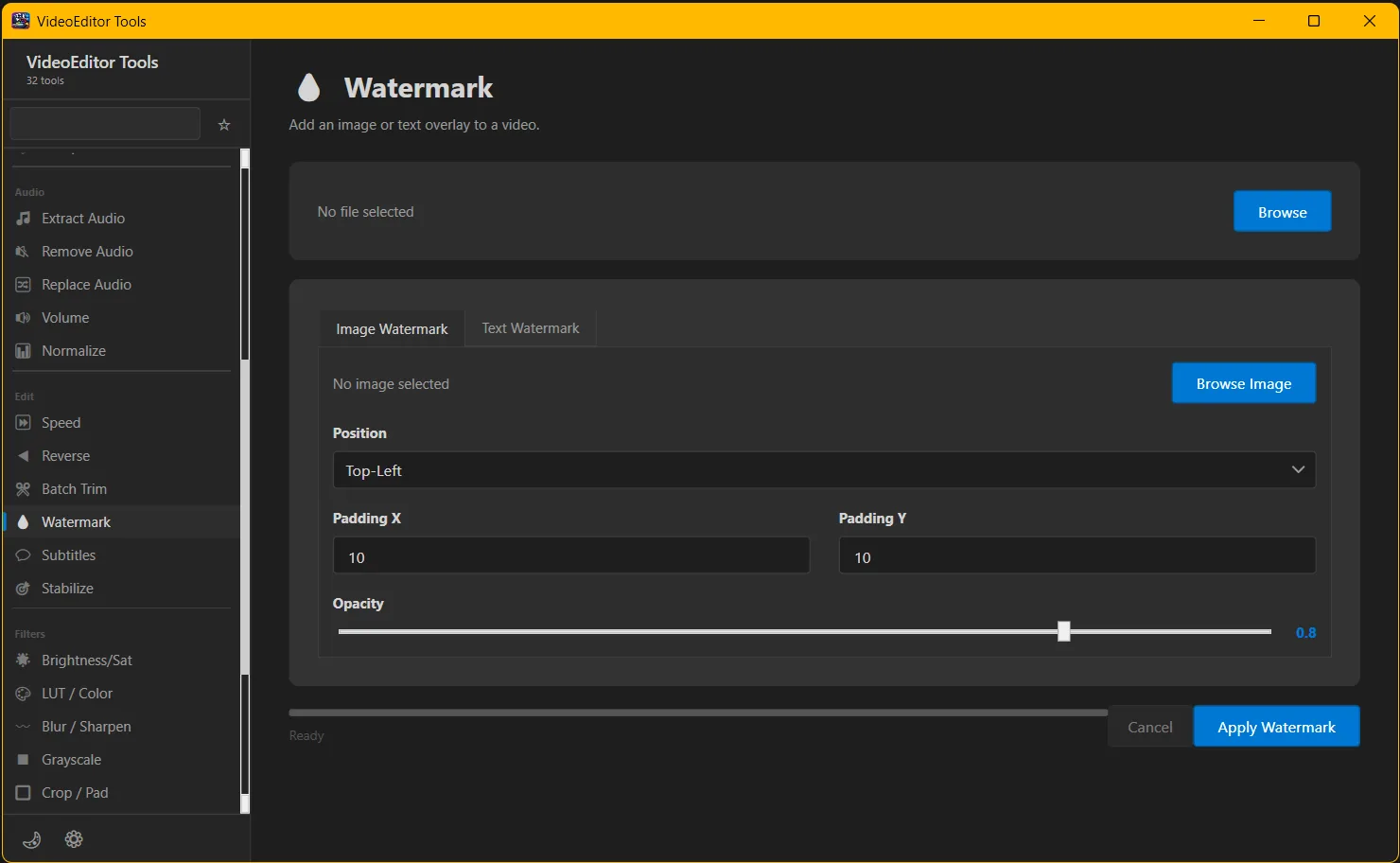
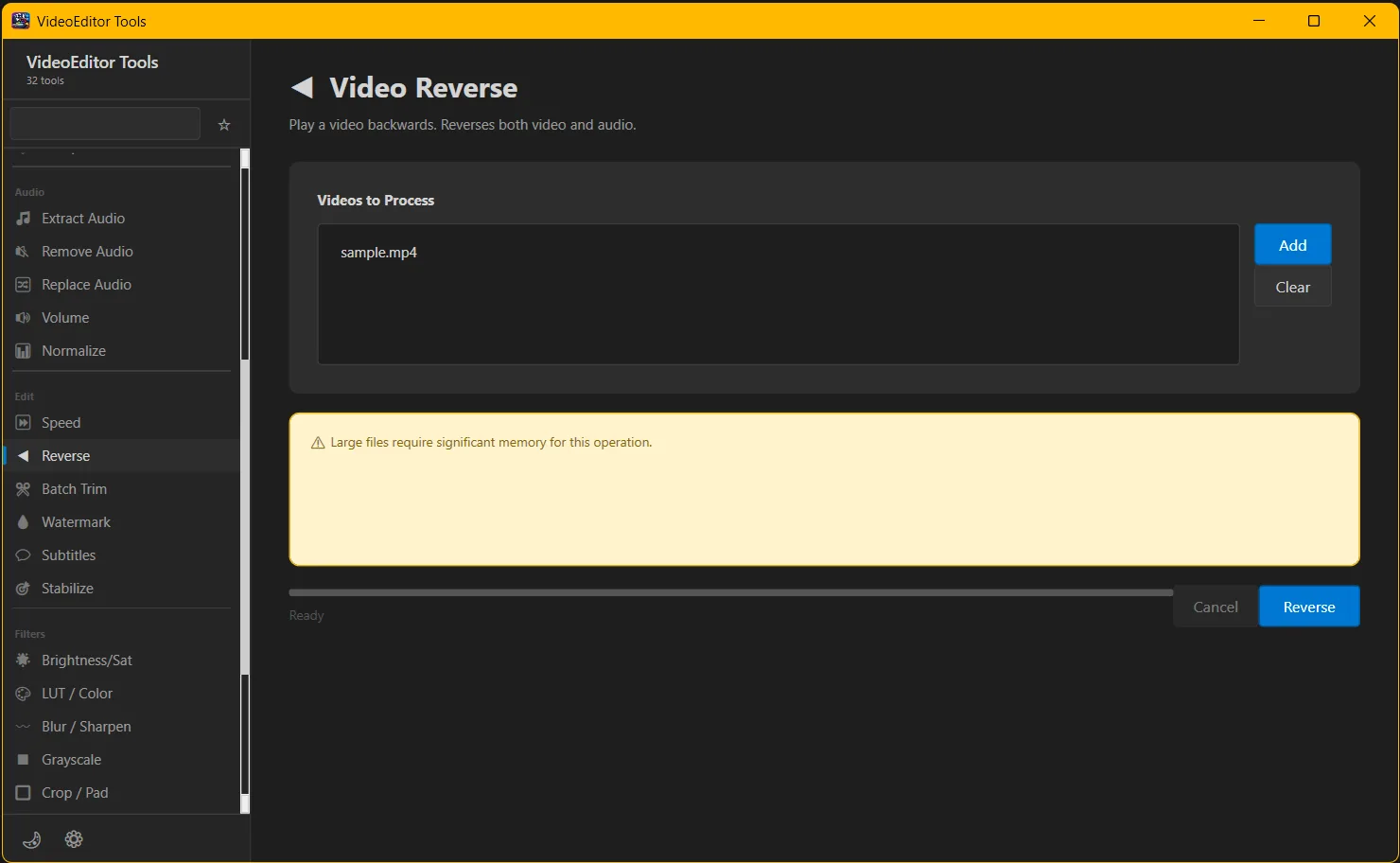
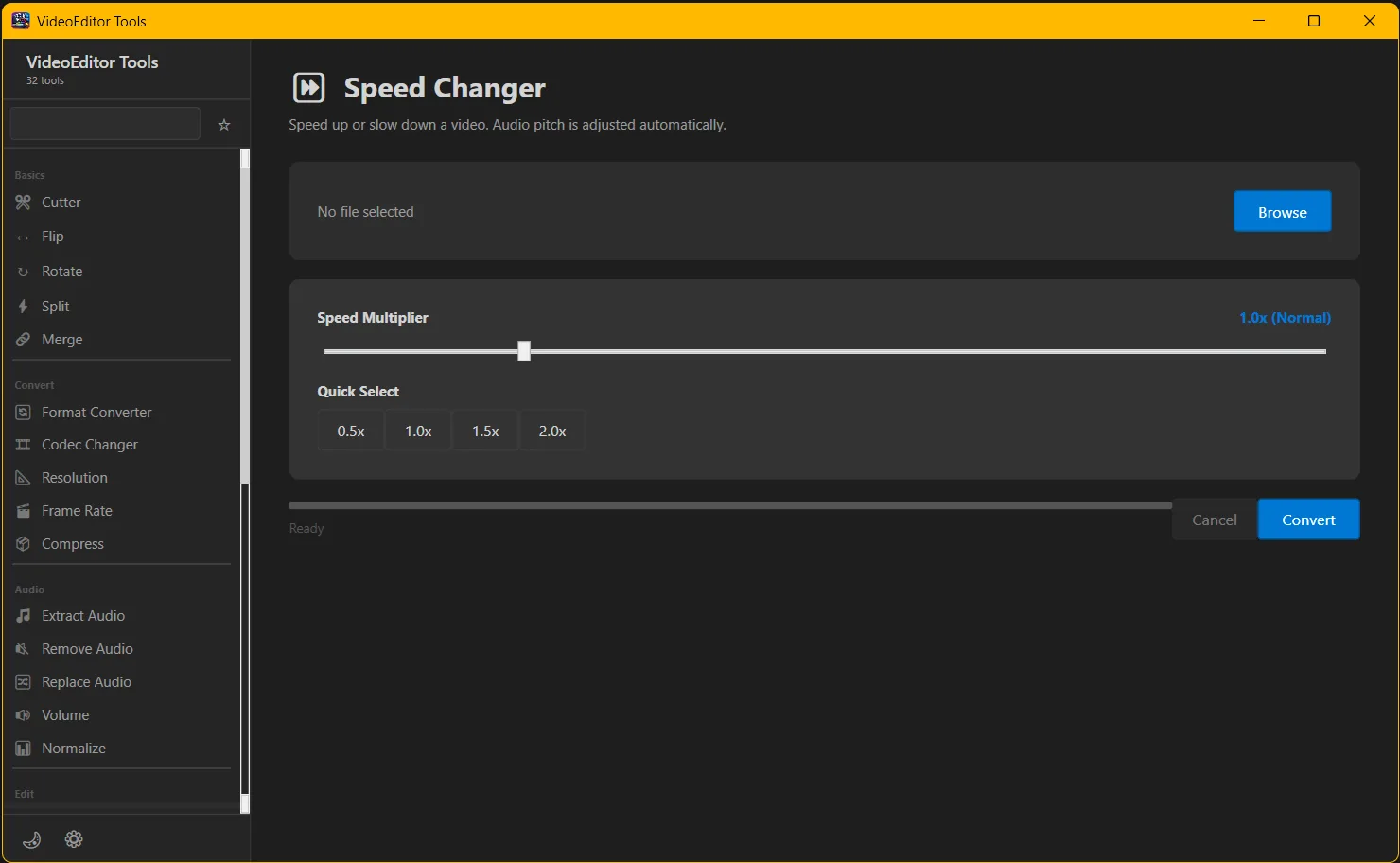
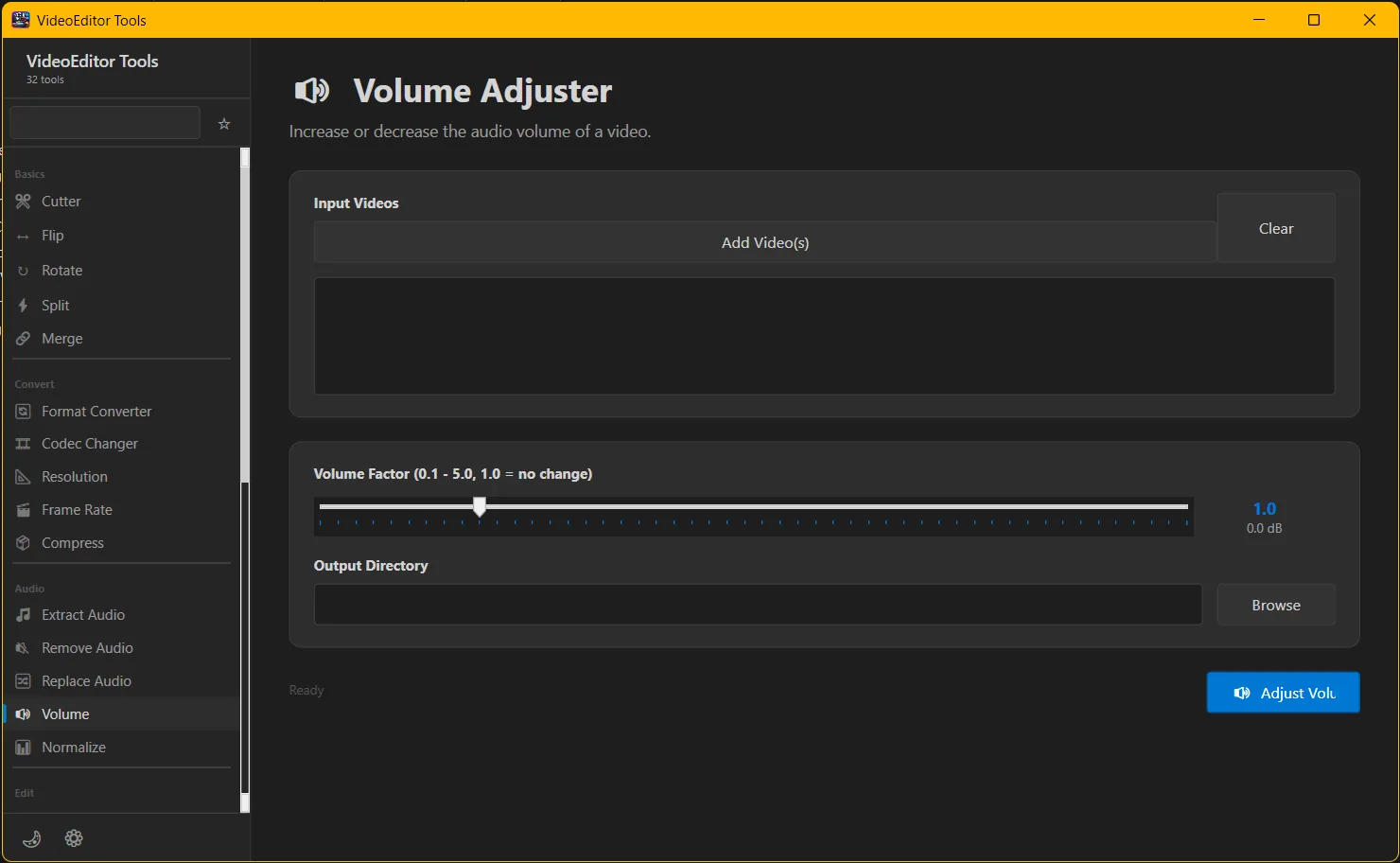
VideoEditor Tools is a powerful all-in-one video editing software designed for creators, marketers, and professionals who need fast, high-quality video processing. This complete video editor combines essential editing tools into one seamless platform, eliminating the need for multiple apps.
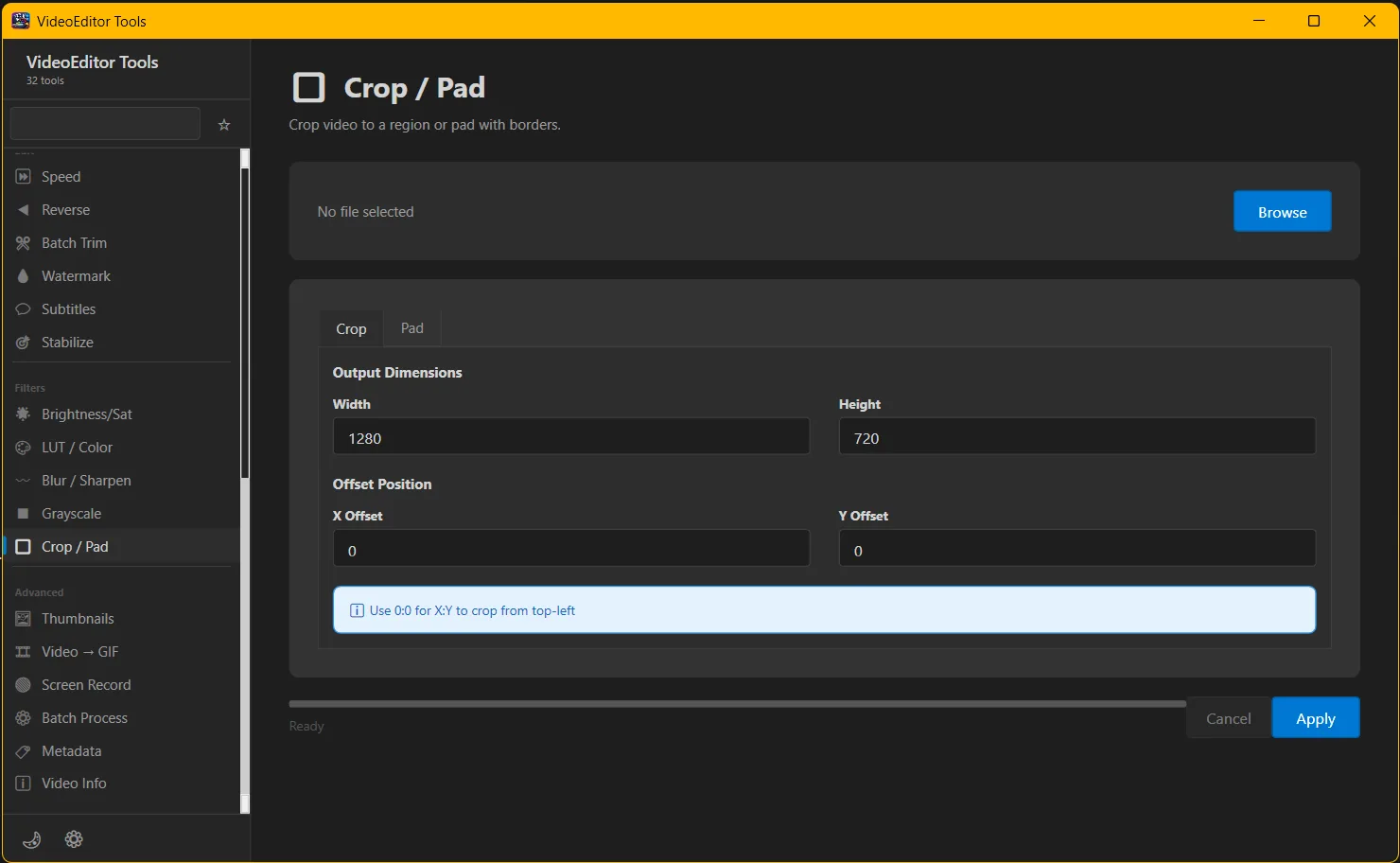
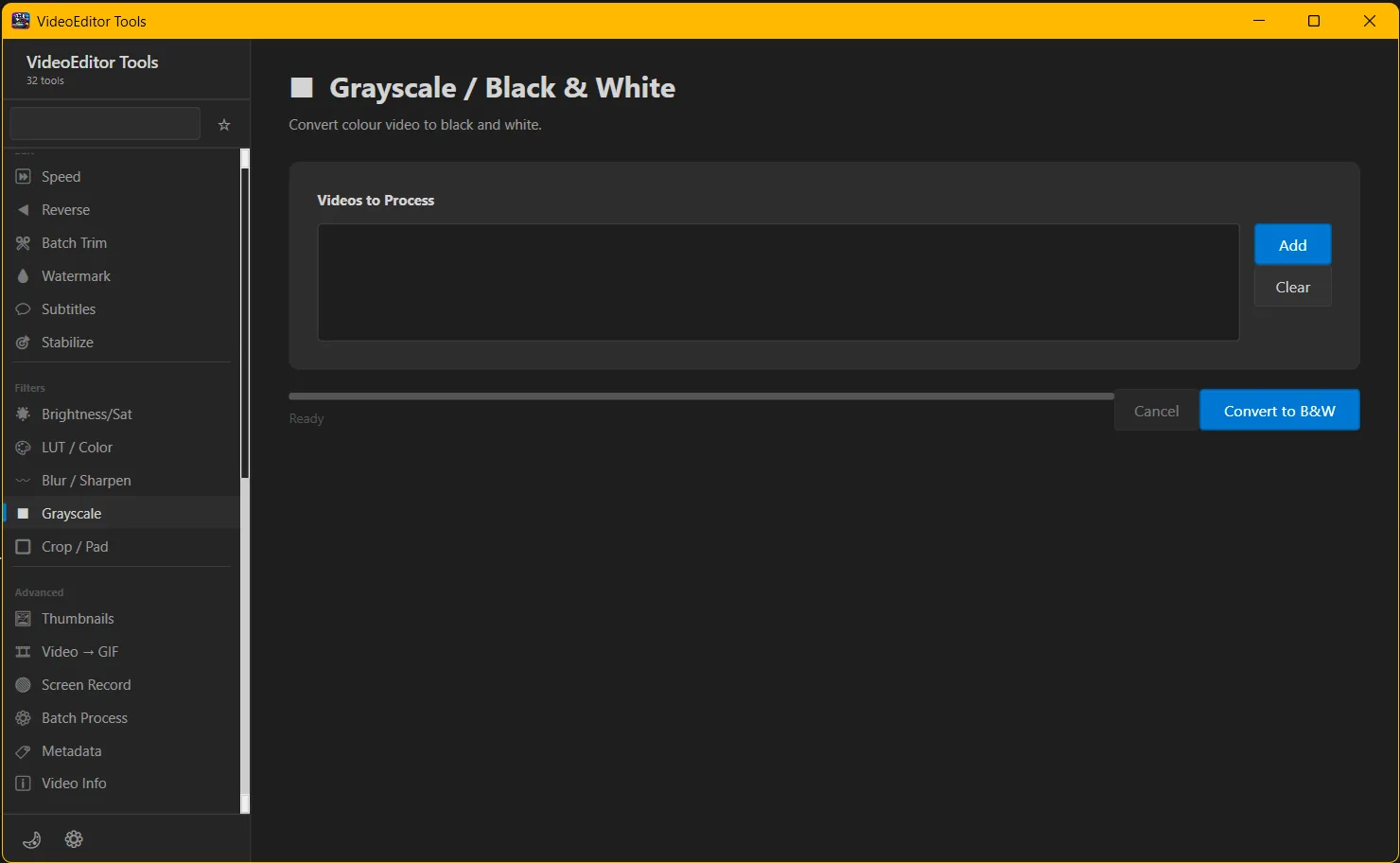
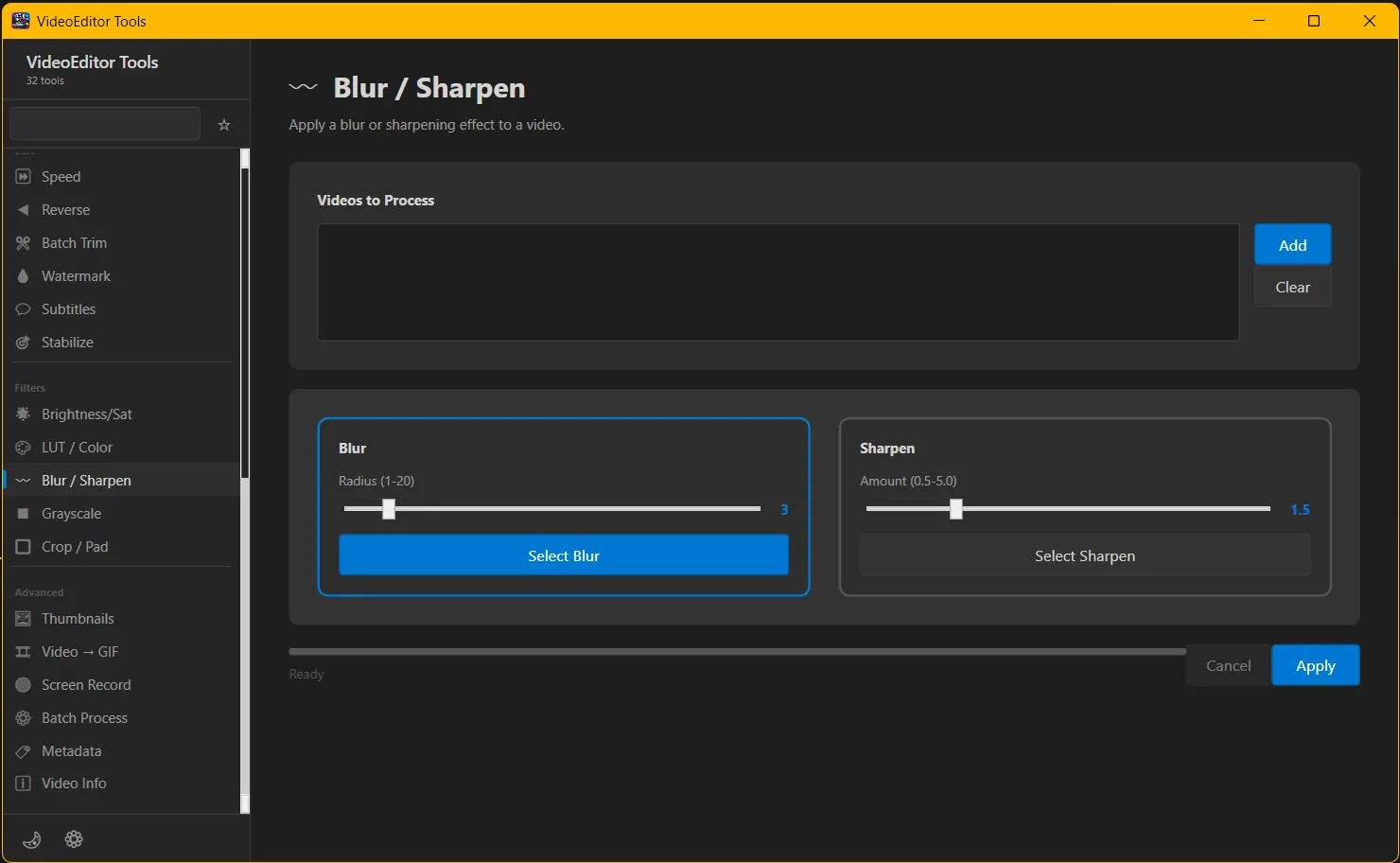
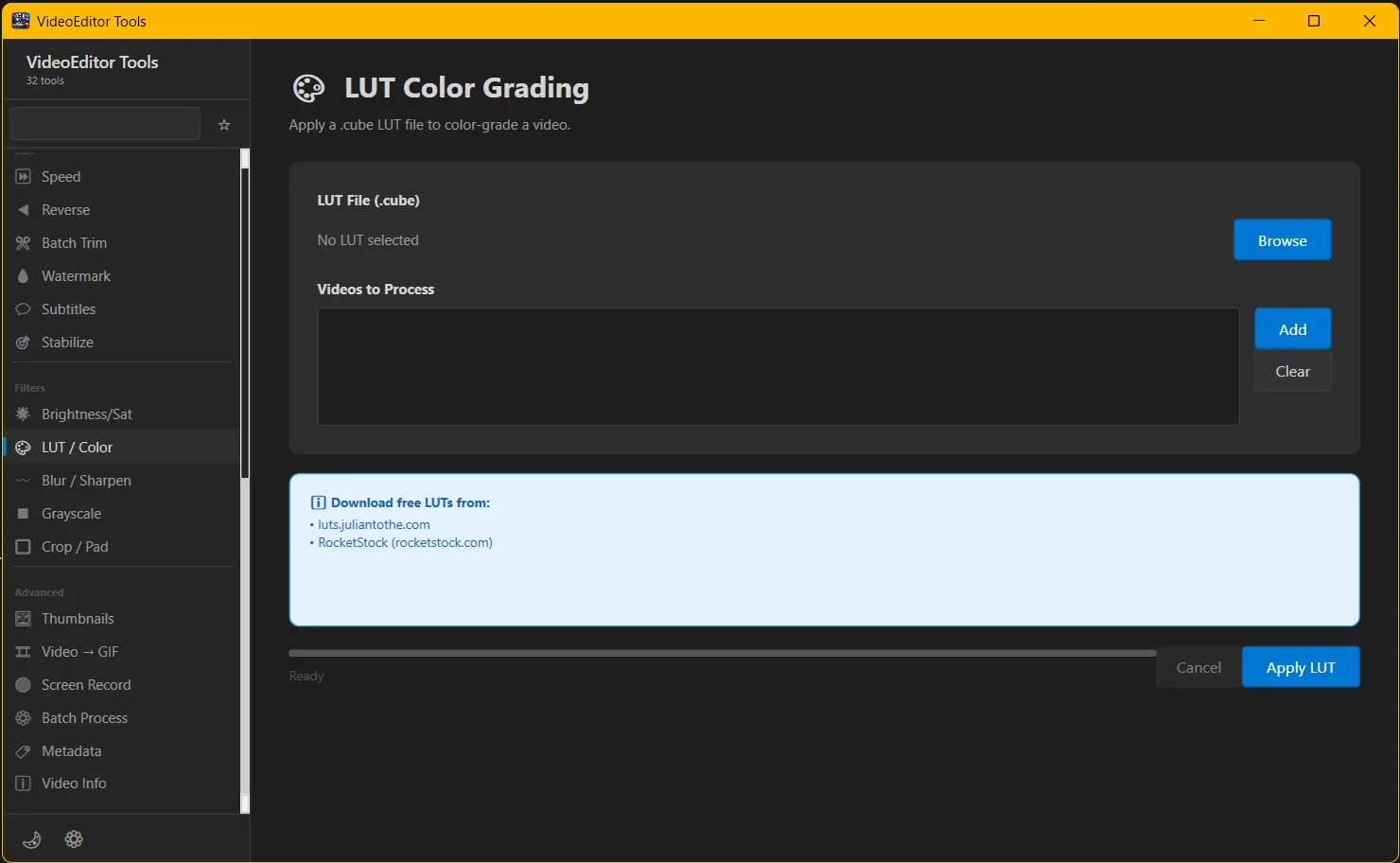
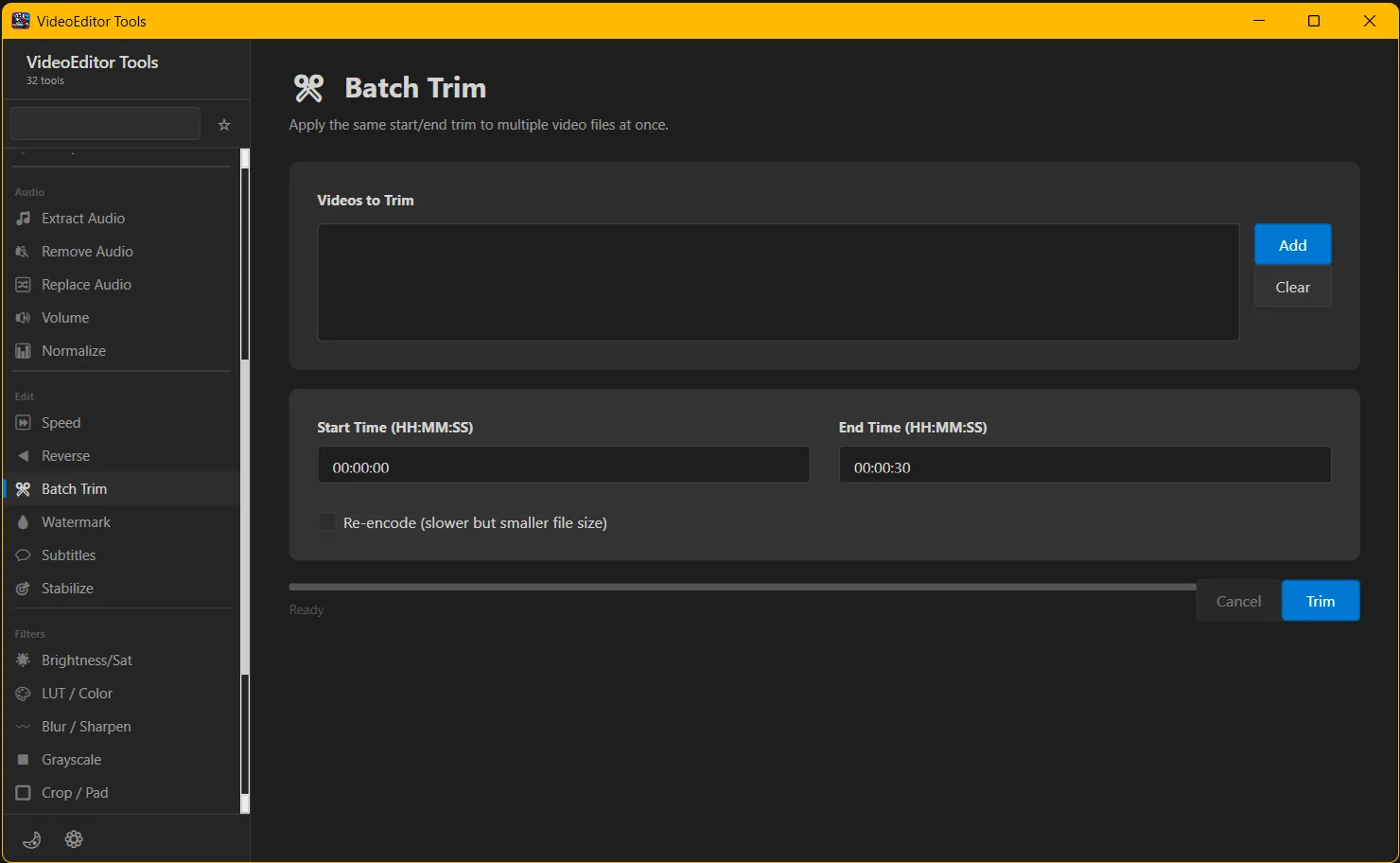
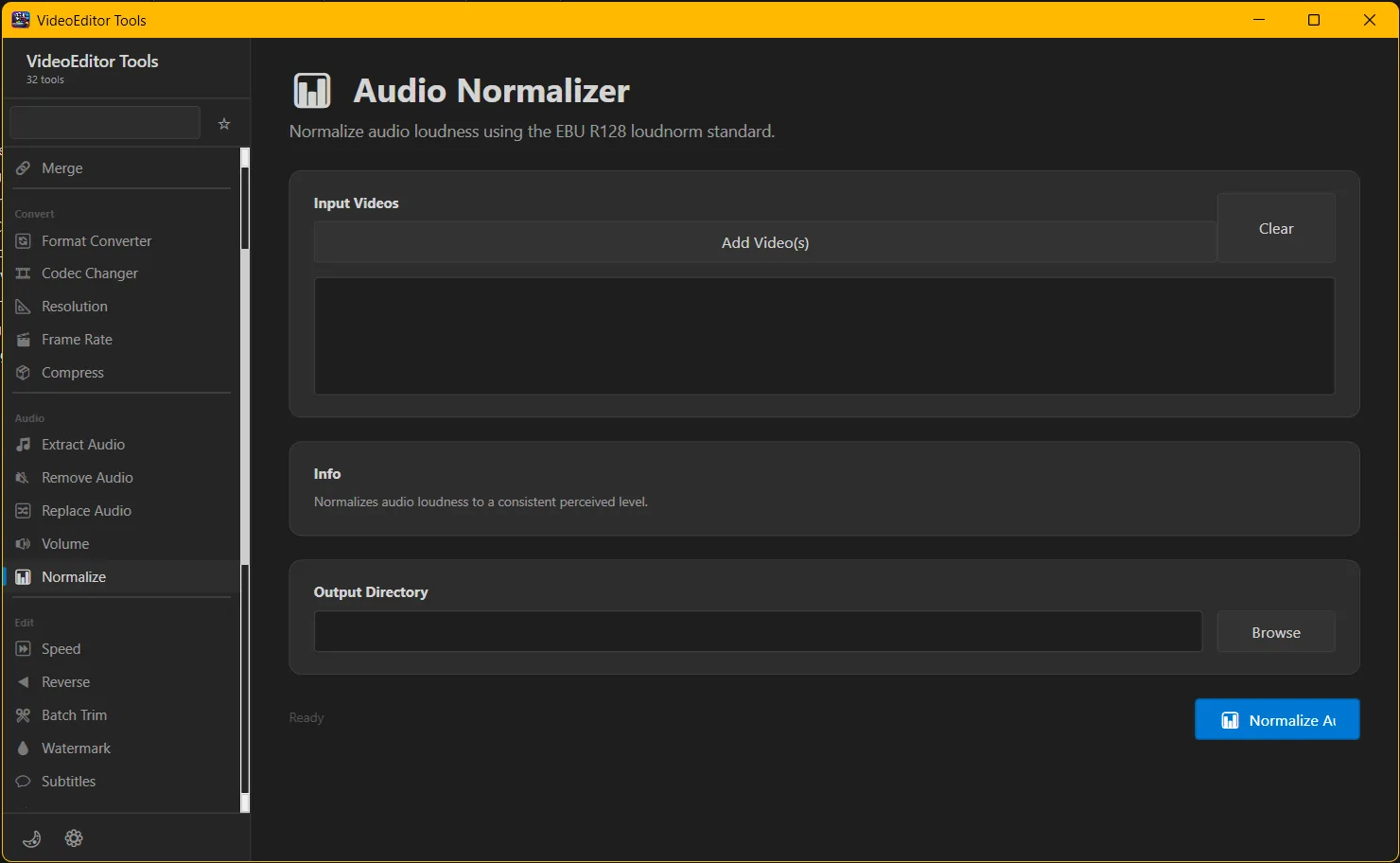
Easily trim videos, batch process clips, replace audio, normalize sound, apply blur or sharpen effects, crop or resize videos, and convert formats with precision. Whether you're editing YouTube videos, TikTok clips, Instagram reels, or professional content, this tool delivers speed and performance.
With support for batch processing, high-resolution output, and optimized encoding, VideoEditor Tools helps you save time while maintaining top-tier video quality. The intuitive interface ensures beginners and advanced users can edit videos effortlessly.
Key Features:
- Video trimming and batch trim editing
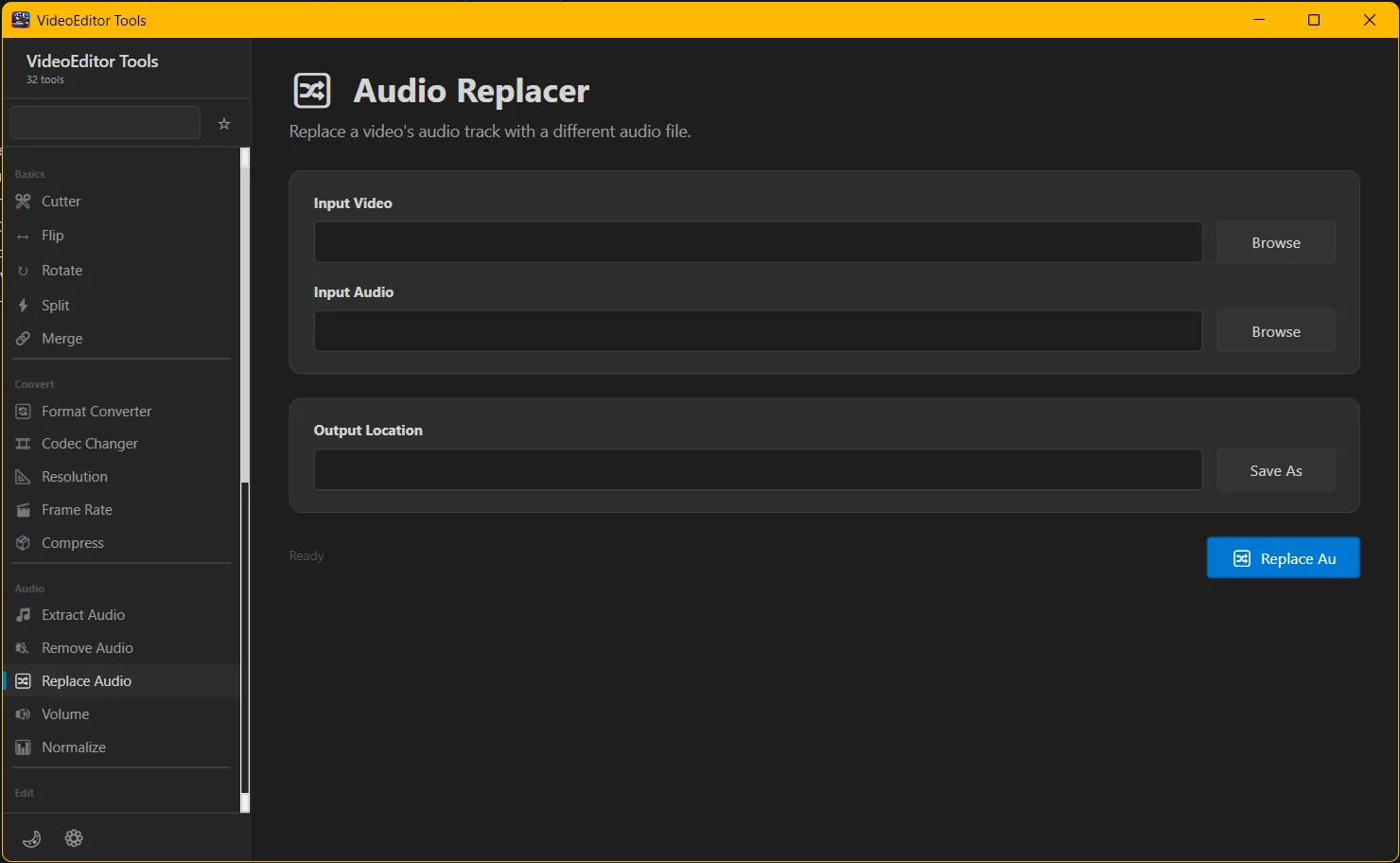
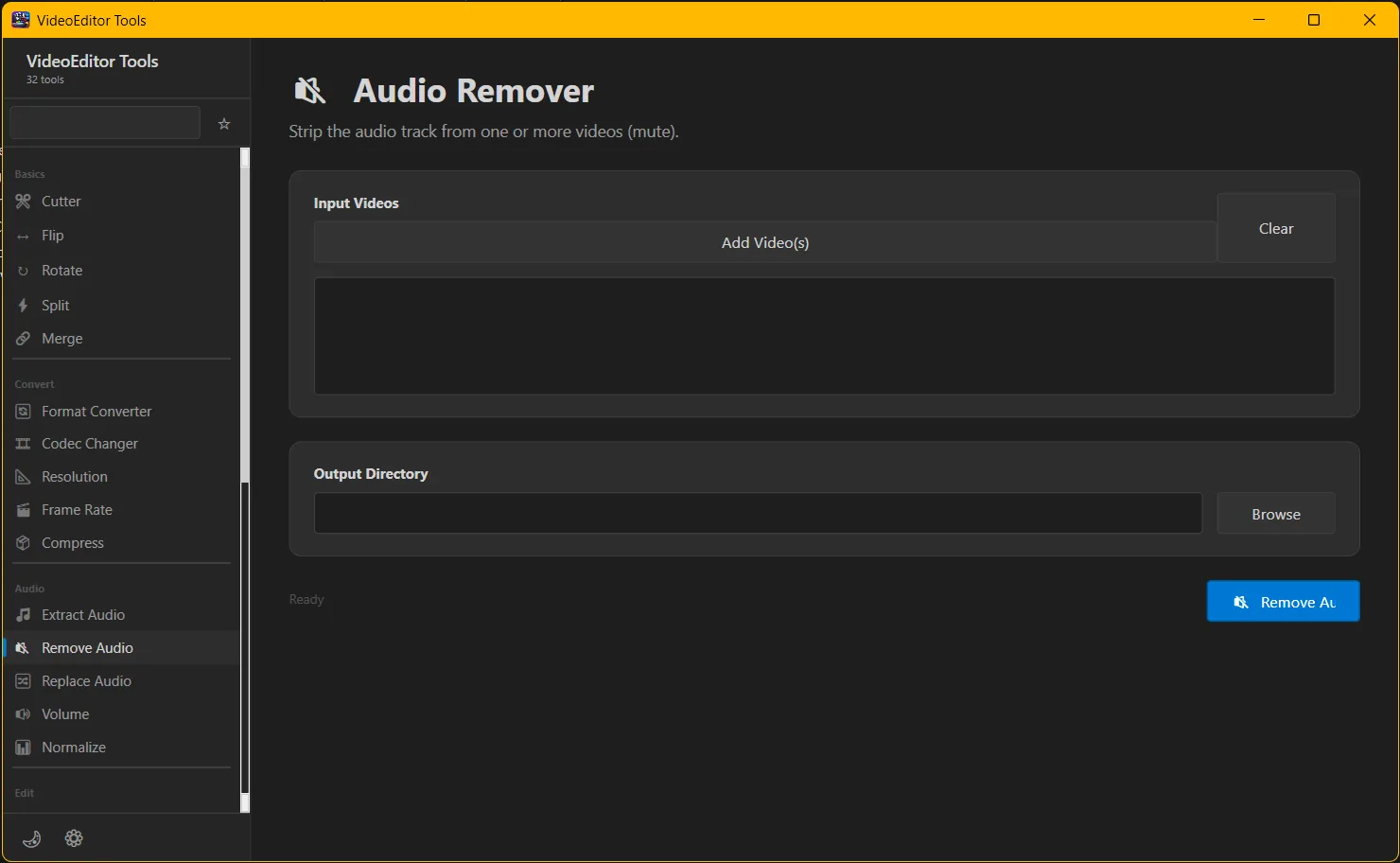
- Audio replace, remove, and normalize tools
- Blur and sharpen video enhancement
- Crop, resize, and pad video frames
- Format conversion and compression
- Fast processing with high-quality output
Perfect for content creators, social media marketers, video editors, and anyone looking for a reliable video editing solution.
Easily trim videos, batch process clips, replace audio, normalize sound, apply blur or sharpen effects, crop or resize videos, and convert formats with precision. Whether you're editing YouTube videos, TikTok clips, Instagram reels, or professional content, this tool delivers speed and performance.
With support for batch processing, high-resolution output, and optimized encoding, VideoEditor Tools helps you save time while maintaining top-tier video quality. The intuitive interface ensures beginners and advanced users can edit videos effortlessly.
Key Features:
- Video trimming and batch trim editing
- Audio replace, remove, and normalize tools
- Blur and sharpen video enhancement
- Crop, resize, and pad video frames
- Format conversion and compression
- Fast processing with high-quality output
Perfect for content creators, social media marketers, video editors, and anyone looking for a reliable video editing solution.