

Screenshots
7 images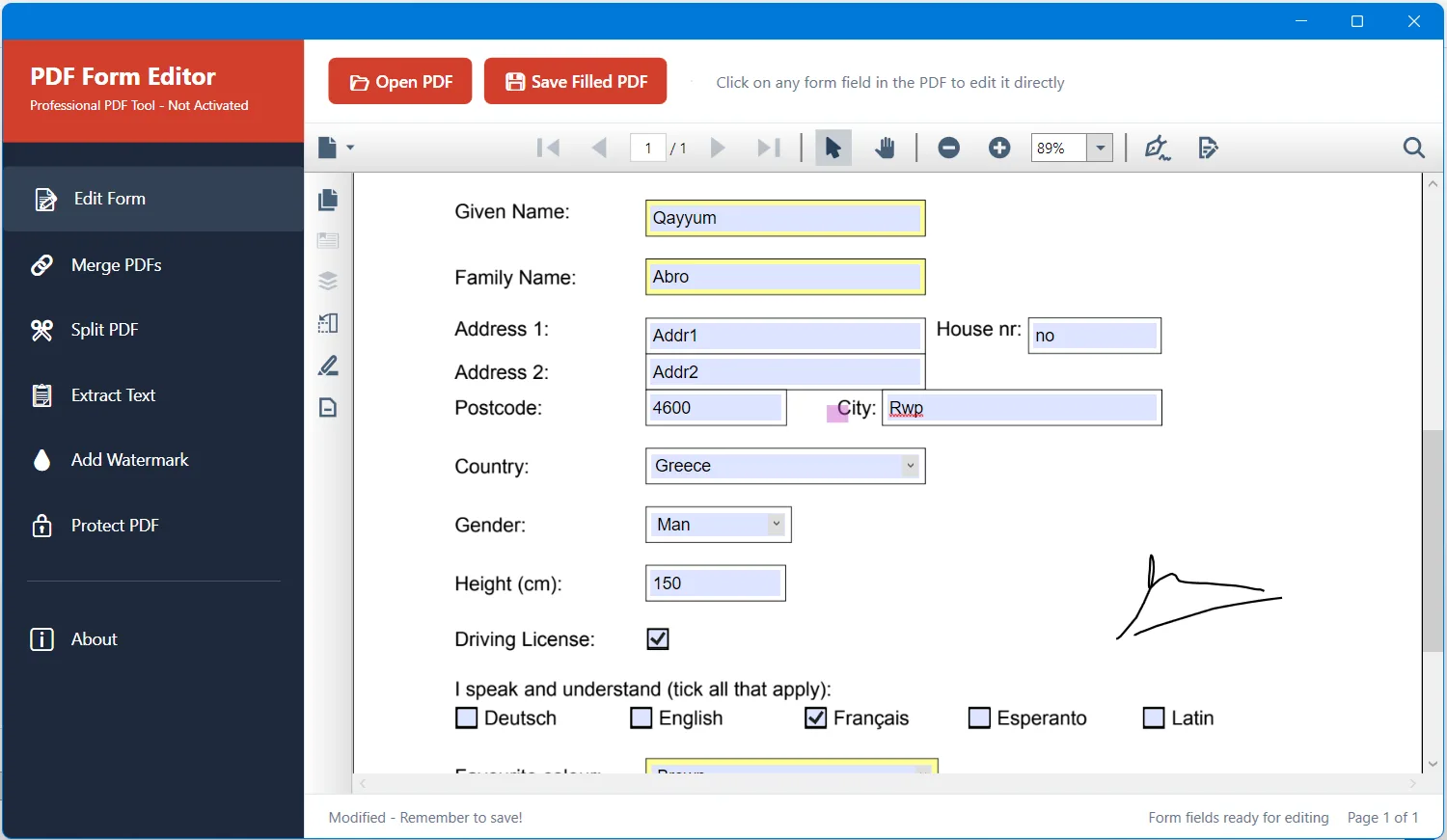
Description
PDF Form Editor is a powerful desktop application for Windows that makes filling PDF forms fast and simple. Click directly on form fields within any PDF document and type your information instantly. Complete job applications, tax forms, insurance documents, legal paperwork, and business forms without printing or scanning. The application works entirely offline on your computer, ensuring your sensitive personal and financial information remains completely private and secure. Your data never leaves your device.
The intuitive interface makes form filling effortless. When you open a PDF form, all fillable fields are automatically detected and ready for input. Click any text box, checkbox, radio button, or dropdown to enter information, and use the Tab key to move quickly between fields. The built-in PDF viewer provides smooth zoom controls and page navigation, delivering a comfortable and efficient document editing experience. PDF Form Editor supports all standard form field types and works reliably with PDFs created by Adobe Acrobat, Microsoft Word, and other popular applications.
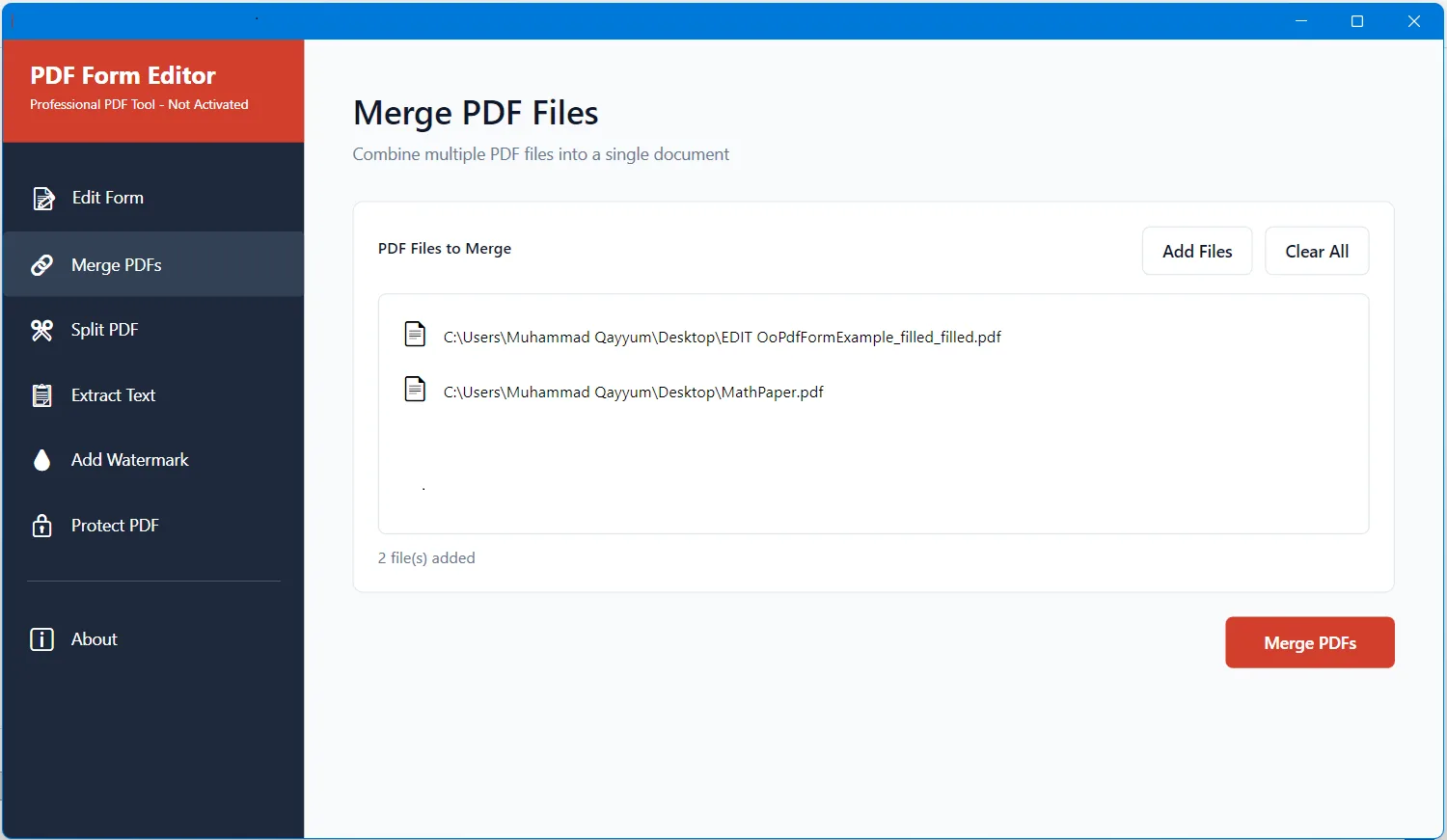
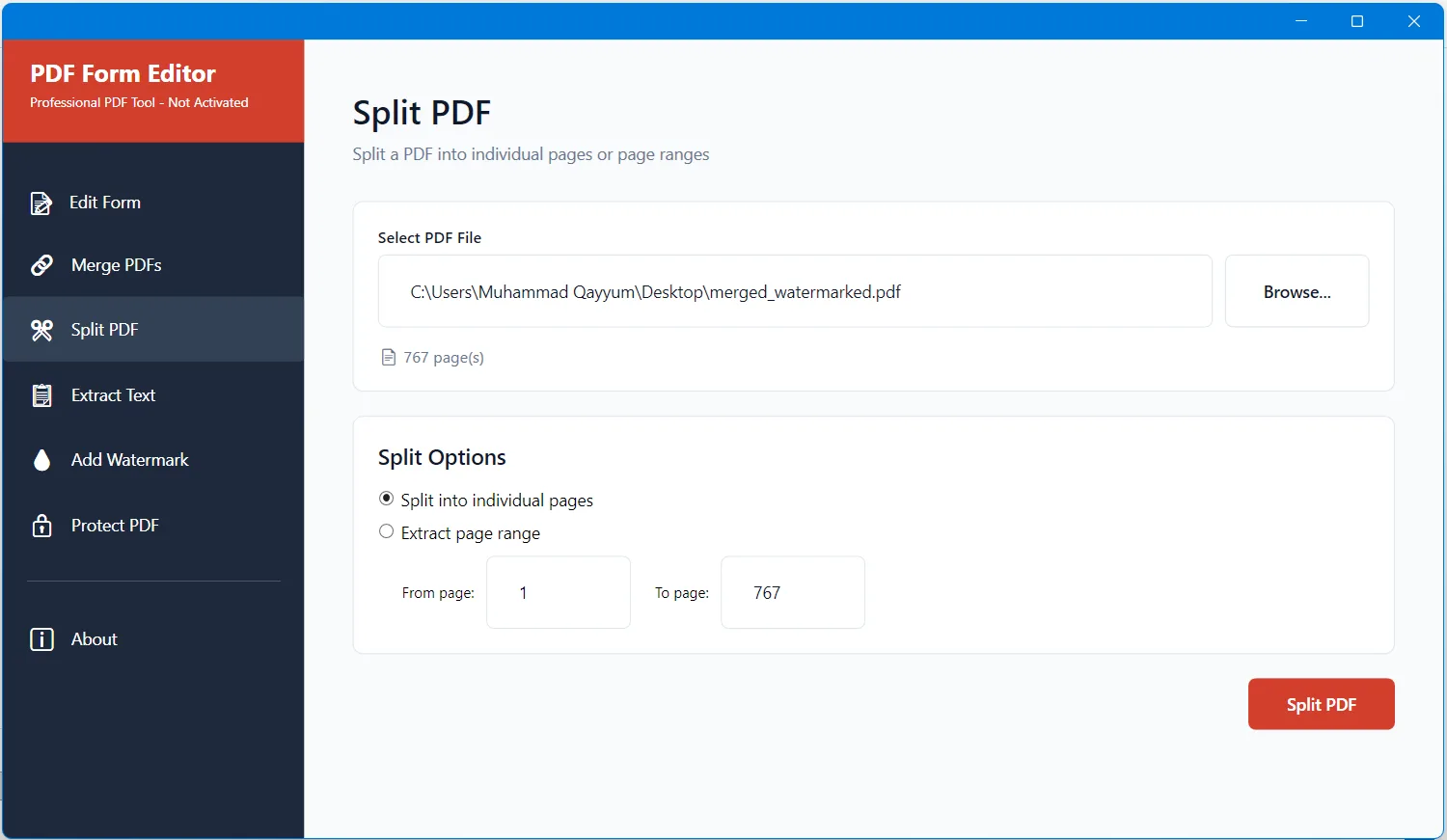
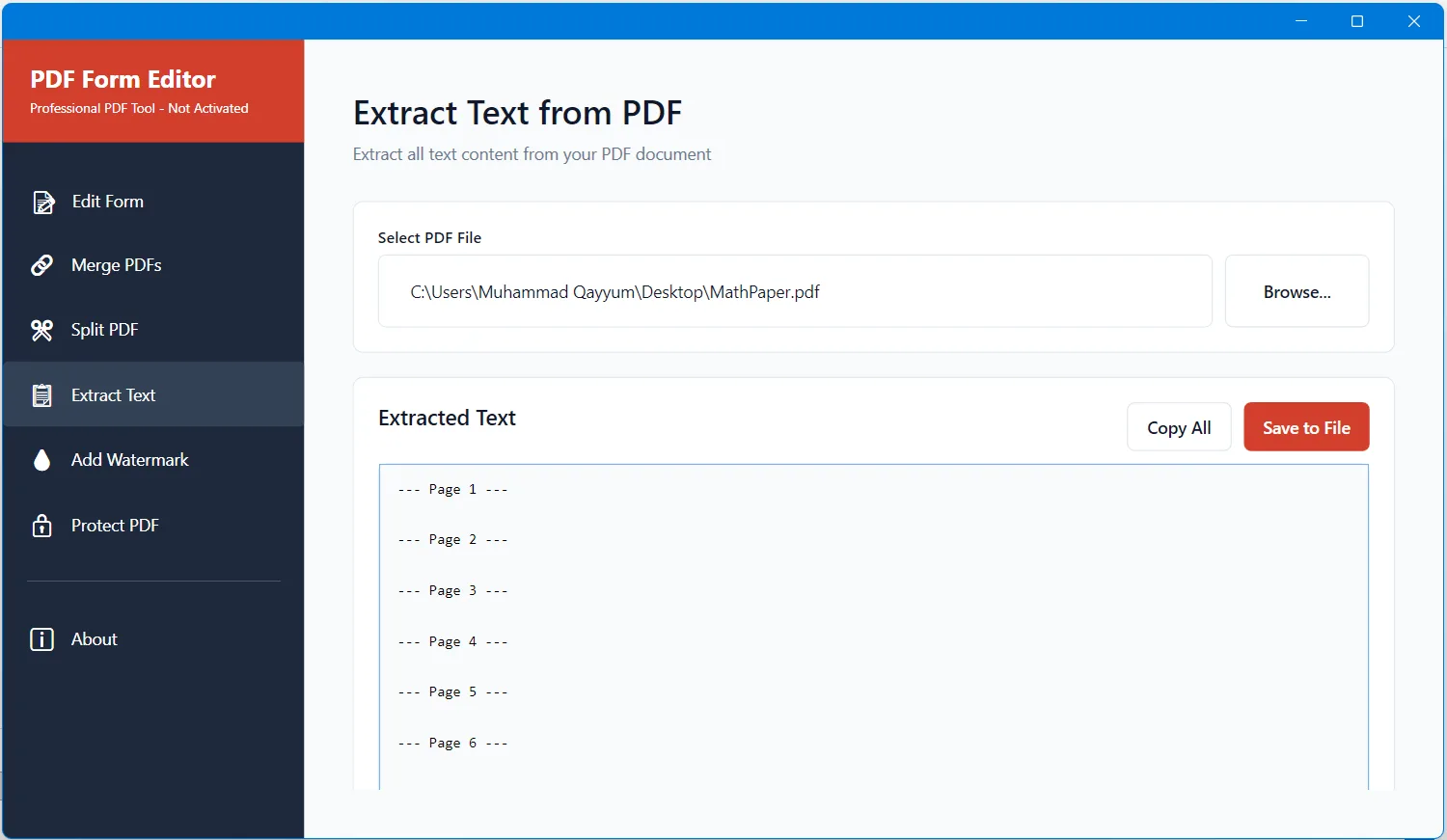
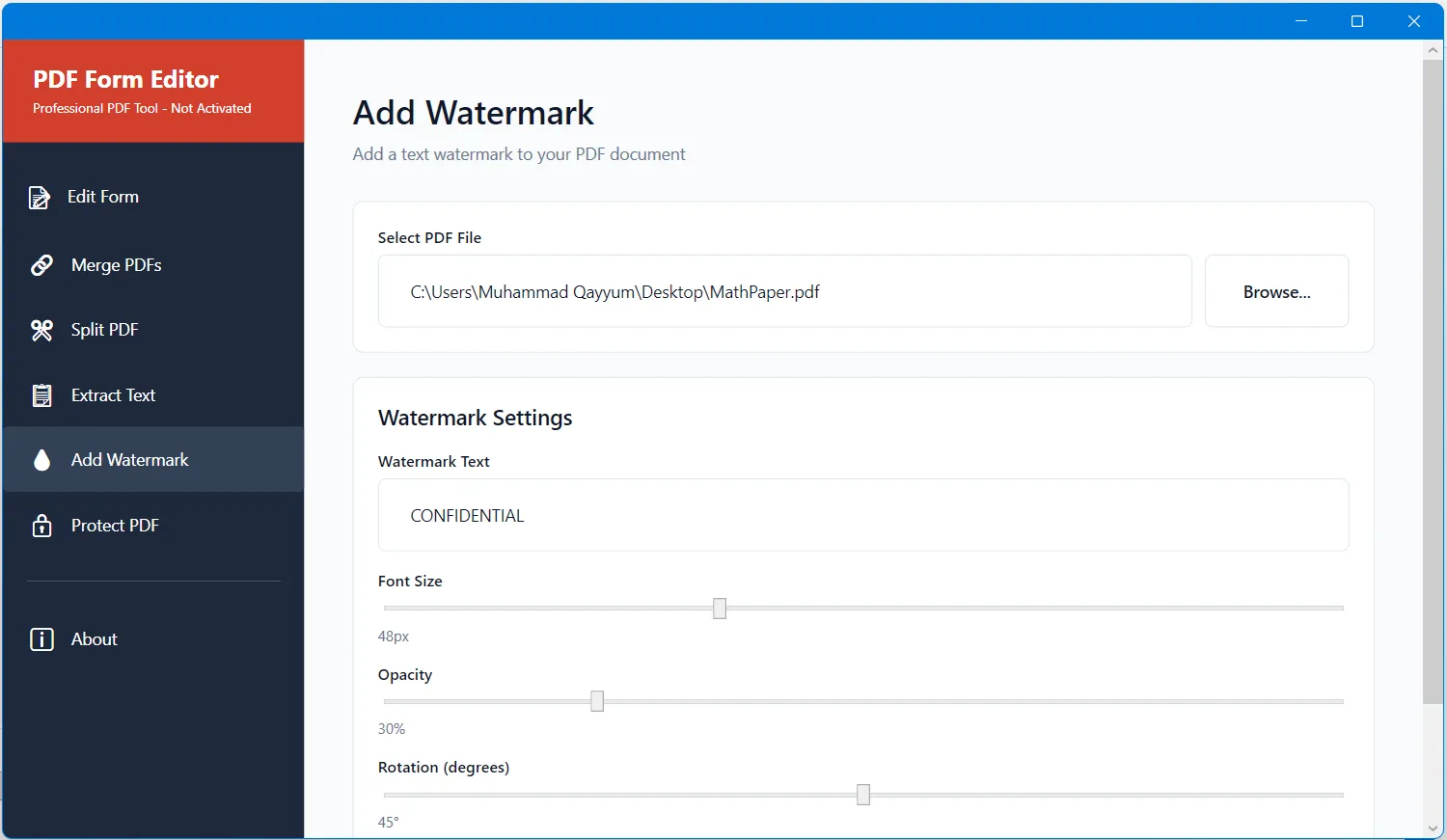
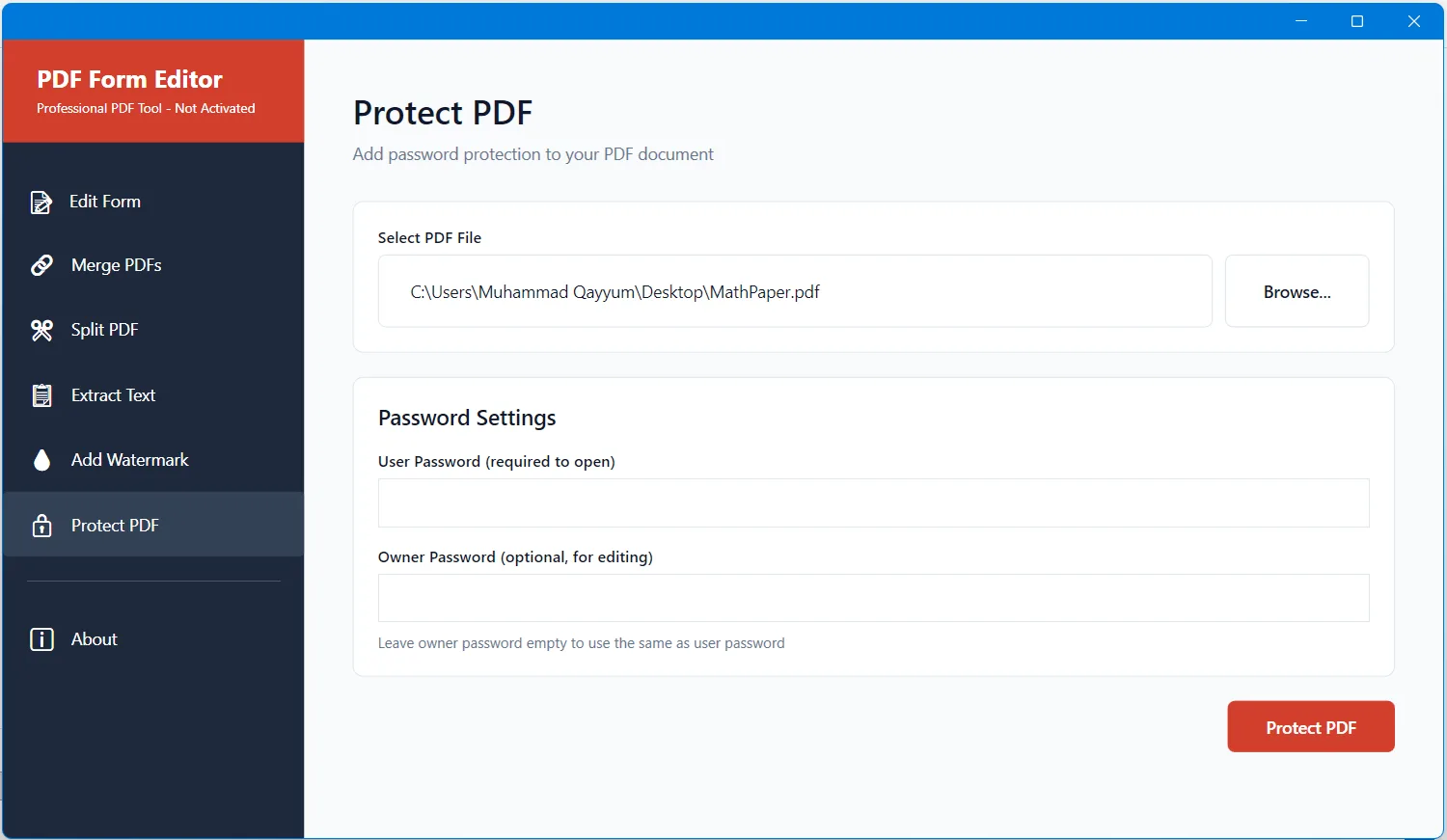
Beyond form filling, PDF Form Editor includes a complete set of essential PDF tools designed to simplify everyday document tasks. You can merge multiple PDF files into a single document, split large PDFs by extracting specific pages or ranges, and extract all text content from any PDF for editing, indexing, or analysis. The application also allows you to add custom watermarks with adjustable opacity, size, and rotation, and protect sensitive files using AES-128 password encryption with controlled access and editing permissions.
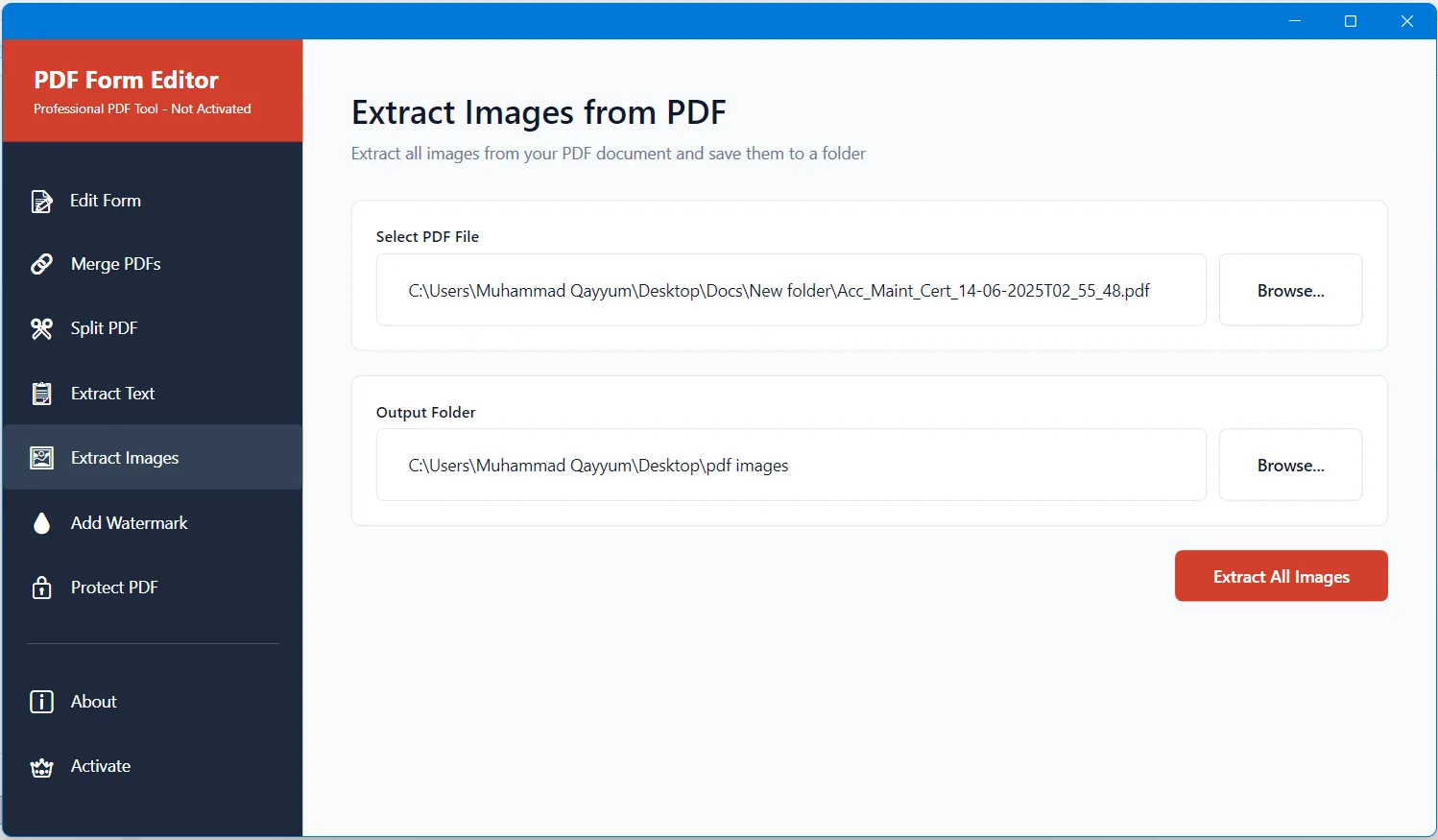
PDF Form Editor also features a built-in PDF Image Extractor that lets you quickly extract all images from any PDF document. With just a few clicks, you can select a PDF, choose an output folder, and export every embedded image in its original quality. This is ideal for recovering charts, scanned photos, illustrations, signatures, and graphics without relying on screenshots or third-party tools. The extraction process runs entirely offline, preserving both image resolution and privacy, making it especially useful for designers, researchers, educators, and business professionals.
PDF Form Editor delivers significant time savings for both individuals and organizations. Small businesses streamline paperwork and reduce printing costs, while employees complete forms directly at their desks without delays. Home users can easily handle tax documents, applications, and personal records digitally. Offline operation makes PDF Form Editor especially suitable for legal offices, healthcare facilities, and financial environments where confidentiality is critical.
Installation takes under two minutes with virtually no learning curve. Open any PDF, fill or extract what you need, and save professional-quality output that works perfectly in any standard PDF reader. Whether you process dozens of documents daily or only occasional files, PDF Form Editor makes working with PDFs fast, secure, and remarkably simple.
• Fill PDF forms by clicking directly on fields,
• Automatic detection of all fillable form fields,
• Support for text boxes, checkboxes, radio buttons, and dropdowns,
• Tab key navigation between form fields,
• Built-in PDF viewer with zoom controls,
• Page navigation for multi-page documents,
• Merge multiple PDF files into one document,
• Split PDF files by extracting specific pages,
• Extract all text content from PDF documents,
• Add custom watermarks with adjustable opacity and rotation,
• Password protect PDF files with AES-128 encryption,
• Set user and owner passwords for access control,
• Extract images from PDF documents.
The intuitive interface makes form filling effortless. When you open a PDF form, all fillable fields are automatically detected and ready for input. Click any text box, checkbox, radio button, or dropdown to enter information, and use the Tab key to move quickly between fields. The built-in PDF viewer provides smooth zoom controls and page navigation, delivering a comfortable and efficient document editing experience. PDF Form Editor supports all standard form field types and works reliably with PDFs created by Adobe Acrobat, Microsoft Word, and other popular applications.
Beyond form filling, PDF Form Editor includes a complete set of essential PDF tools designed to simplify everyday document tasks. You can merge multiple PDF files into a single document, split large PDFs by extracting specific pages or ranges, and extract all text content from any PDF for editing, indexing, or analysis. The application also allows you to add custom watermarks with adjustable opacity, size, and rotation, and protect sensitive files using AES-128 password encryption with controlled access and editing permissions.
PDF Form Editor also features a built-in PDF Image Extractor that lets you quickly extract all images from any PDF document. With just a few clicks, you can select a PDF, choose an output folder, and export every embedded image in its original quality. This is ideal for recovering charts, scanned photos, illustrations, signatures, and graphics without relying on screenshots or third-party tools. The extraction process runs entirely offline, preserving both image resolution and privacy, making it especially useful for designers, researchers, educators, and business professionals.
PDF Form Editor delivers significant time savings for both individuals and organizations. Small businesses streamline paperwork and reduce printing costs, while employees complete forms directly at their desks without delays. Home users can easily handle tax documents, applications, and personal records digitally. Offline operation makes PDF Form Editor especially suitable for legal offices, healthcare facilities, and financial environments where confidentiality is critical.
Installation takes under two minutes with virtually no learning curve. Open any PDF, fill or extract what you need, and save professional-quality output that works perfectly in any standard PDF reader. Whether you process dozens of documents daily or only occasional files, PDF Form Editor makes working with PDFs fast, secure, and remarkably simple.
• Fill PDF forms by clicking directly on fields,
• Automatic detection of all fillable form fields,
• Support for text boxes, checkboxes, radio buttons, and dropdowns,
• Tab key navigation between form fields,
• Built-in PDF viewer with zoom controls,
• Page navigation for multi-page documents,
• Merge multiple PDF files into one document,
• Split PDF files by extracting specific pages,
• Extract all text content from PDF documents,
• Add custom watermarks with adjustable opacity and rotation,
• Password protect PDF files with AES-128 encryption,
• Set user and owner passwords for access control,
• Extract images from PDF documents.